A plain-English guide for your first week using AI
Ted Mauro’s AI Made Easy After 50 is a $27 digital guide for beginners who want a plan for trying AI on everyday tasks. The package includes a PDF, a book of 60 prompts, and quick-start checklists. Its main appeal is having a sequence to follow when an empty chat box feels like a poor place to start.
Affiliate disclosure: This article contains affiliate links. We may earn a commission if you buy through them.
View the official guide offer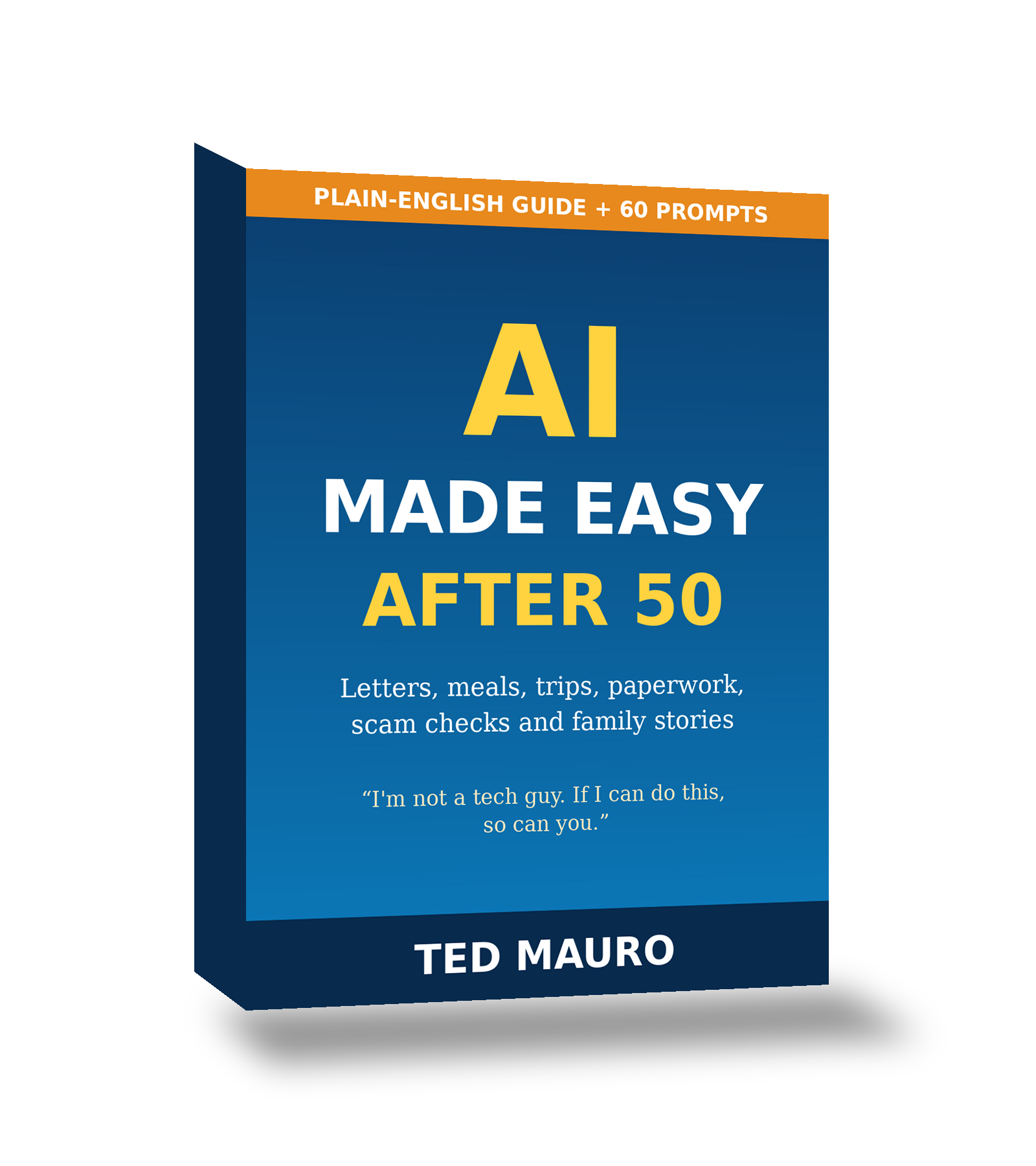
What comes with AI Made Easy After 50?
The guide is for readers who are comfortable opening a website or reading a PDF and want help deciding what to type and what to do with the answer. The author lists everyday uses such as preparing a letter, organizing meals, and planning a trip. We reviewed the public product description, promotional materials, refund policy and checkout. We did not purchase the files or read the full workbook, so the contents listed here come from the seller. The exercises below are our own examples.
Plain-English PDF
Read the guide alongside an AI tool in your browser. Keep the PDF open in a separate tab if you prefer to switch between the instructions and your own work.
Prompt book with 60 examples
The seller describes these as fill-in examples. A prompt is the instruction you give the tool. A template is useful when it reminds you what details matter, such as your goal, the time available, and the output format you want.
Quick-start checklists and seven-day plan
The package gives you a defined set of materials for starting. If you tend to bookmark tutorials without trying them, decide when you will open the guide and which task you will practice first.
Separate AI service
The purchase delivers learning materials. You use an AI service separately. The seller teaches with free versions, and a paid ChatGPT subscription is unnecessary for the basic text exercises on this page.
A good starter guide gives you repeatable habits. After following an example, try the same task with one constraint changed. If you asked for a 30-minute plan, cut the time to 15 minutes and see which items should move. The skill is knowing what to change when the first answer fails to fit your situation.
Three tasks to try in your first week
Start with something you already know how to check. Use fictional details for practice. Type one instruction at a time, read the reply, and ask for one revision. You will learn more from correcting a short answer than from generating a long plan that you never use.
1. Organize a week with limited time
Make a weekly plan using these fictional details. I have 30 minutes on Tuesday and Thursday, plus one hour on Saturday. I need groceries, laundry, and time to return a library book. Give me a table showing the day, task, and estimated time. Mark any information you are missing.
Check if the proposed tasks fit the time slots. Verify store and library hours yourself. If the plan assigns laundry to the wrong day, state the constraint and ask for a revised plan. The final result should be three commitments you could put on your calendar. Use the Ready Life Path weekly reset checklist to decide which tasks belong in the plan, or the weekly schedule for work and school to make room around fixed commitments.
2. Write a short message in your own voice
Draft a friendly message asking a neighbor if we could move our Saturday coffee to Sunday afternoon. Keep it under 60 words. Give one direct version and one warmer version. Leave the time open and use the placeholder NAME.
Read each version aloud. Choose the one that sounds like you, then put the real name and any confirmed details into your own message app. Before sending, check that the tool has added no reason for the change, apology, or promise you did not intend. If the reply feels stiff, tell the tool which line to simplify and keep the rest.
3. Turn household chores into a usable checklist
I have 20 minutes to tidy a small kitchen before a guest arrives. Make a checklist with five short steps. Put the most visible tasks first, give each step a time estimate, and include a stopping point at 20 minutes.
Adjust the order to fit the room. If it suggests unloading a dishwasher you do not own, ask it to use only a cloth, a sink, and a rubbish bag. Use the answer as a starting point. You decide where a task belongs, or if it is worth doing before the guest arrives.
At the end of the week, keep the prompt that saved you the most effort. Write down the details you added, the mistakes you caught, and the edit that improved the result. Those notes are the start of a personal prompt sheet. If basic tasks already work with your own notes, you have learned something useful about whether to buy another resource.
Check accuracy and protect your information
Keep identifying details out
Use placeholders for names and addresses. Leave out passwords, payment details, identification numbers, and confidential work files. To practice summarizing a letter, write an invented version and ask for a list of questions you should answer.
Check dates, facts, and instructions
Treat an answer as a draft. Compare deadlines with the original notice, prices with the provider, and instructions with the official source. Ask the tool to flag uncertainty, then verify anything important yourself.
Review the service’s privacy settings before you start. In consumer ChatGPT, Data Controls lets you decide whether new chats help train models. OpenAI describes Temporary Chat as outside your history, memory, and training use, and says it may keep a copy for up to 30 days for safety. Those settings still leave you with a reason to use fictional details whenever they will do the job. See OpenAI’s Data Controls FAQ and Temporary Chat FAQ.
For a suspicious message, use a contact number or website you already trust to check it. A chatbot’s guess does not establish who sent an email. For health, legal, or financial decisions, use the tool to structure questions and confirm the substance with a qualified person or official source. OpenAI explains why ChatGPT answers need verification.
Price, billing, and refunds
The official offer and ClickBank checkout showed US$27 for the base package on November 14, 2026. The seller describes it as a one-time digital purchase with no subscription. Its affiliate materials list a separate $47 Life Organizer Kit upsell and a $17 Starter prompt-library offer. The comparison here concerns the $27 package. Review the name and total for anything you choose to add.
The seller’s refund policy and the order form displayed a 60-day refund window for this ClickBank offer. Save the receipt. The seller says you can reply to the receipt email within the window, and ClickBank provides an order lookup and refund request process. Check the terms shown for your transaction. Seller refund policy. ClickBank refund instructions.
AI Made Easy After 50 vs. free OpenAI Academy lessons
If your main question is how to start a chat, try OpenAI Academy’s first-question video for older adults. Its free ChatGPT fundamentals resource covers basic use and prompting. The paid guide is worth weighing if you want one PDF, a collection of ready-made examples, and checklists to give your practice a sequence.
| Option | Best fit | Trade-off |
|---|---|---|
| OpenAI Academy | Free video and written resources for a first session with ChatGPT. | Choose which resources to watch or read and build your own practice sequence. |
| AI Made Easy After 50 | A $27 digital package for readers who prefer a guide, a prompt book, and checklists together. | Pay for the format and examples. App interfaces and settings are best checked against current documentation. |
| A practice sheet of your own | Free exercises based on a familiar weekly task, message, or home routine. | You choose the examples, check the output, and keep track of revisions. |
Strengths
The offer specifies its format, example count, price, and refund window. Its focus on routine tasks gives a new reader a manageable place to practice.
Limitations
A PDF is a snapshot. Screens may change, templates still need judgment, and we could not evaluate the depth of the paid chapters firsthand.
Before paying, try a free lesson and one exercise from this review. If starting and revising a prompt already feels manageable, keep practicing for free. If you stall on what to do next and prefer reading to browsing videos, the packaged sequence offers a clearer reason to buy.
We may earn a commission through the following link and banner.
See the guide and pricing details
Frequently asked questions
Do I need a paid ChatGPT account?
No paid subscription is required to start with the basic text exercises above. The guide teaches with free versions of AI tools. Check each service’s current account requirements and limits before relying on specific features.
Is this a book mailed to my home?
The seller delivers the guide as a digital PDF, with a prompt book and checklists. You need internet access for the download and for the online AI service you practice with.
Is there a free way to try the same kind of practice?
Yes. Use the Academy video and pick one of the exercises above. Save the prompt you used and compare its first answer with a revision after you add a useful constraint.
Are the prompts only useful to people over 50?
The guide is marketed to adults over 50. Its everyday tasks are relevant to other first-time users who prefer a slower, written introduction.
Where do I request a refund?
Keep the order confirmation and follow its support instructions. The order form we checked displayed a 60-day window. You can use the ClickBank process linked in the price section.
Who should buy AI Made Easy After 50?
Consider it if the free first lesson helped but left you wanting a written plan for what to practice next. At $27, it makes the most sense if you expect to use the prompt book and checklists more than once. Skip it if you already know how to give instructions, revise a draft, and verify the results, or if you want advanced automation training or personal coaching. For most first-time readers, a free lesson and a 15-minute practice session are a good first step.
We may earn a commission if you buy through the link below.
Explore the official AI Made Easy After 50 offer


